


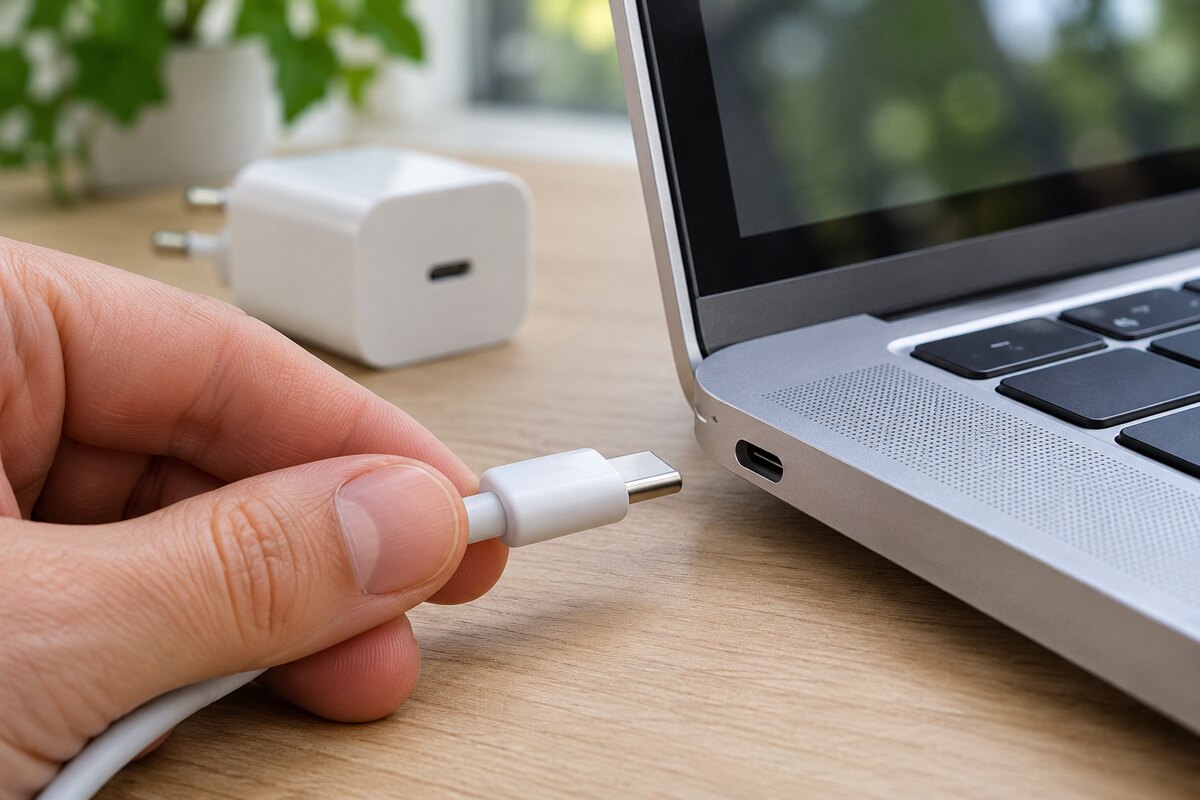
USB-C laptop charging is now covered by the European Union’s common charger rules. Since 28 April 2026, covered laptops first placed on the EU market must support USB-C charging if they can be charged by cable. Buyers must also have the option to purchase a covered laptop without a new charging adapter.
For shoppers in Ireland, that means a charger you already use at home or at work could power your next laptop. Before buying a charger-free bundle, check three things: the laptop’s power requirements, the output of your existing adapter and the power rating of your cable.
What the EU rules change for USB-C laptop charging
The common charger rules started applying to phones, tablets and several other types of portable electronics in December 2024. Laptops followed in April 2026. The rules standardise the charging port for covered devices and harmonise compatible fast-charging technology. They also give shoppers clearer information about whether a charger comes with the device and how much power it needs.
If you already own a compatible adapter, you can choose an option without a new one. If this is your first laptop that charges over USB-C, compare the total cost of the laptop, adapter and cable. The price you see on the listing may only cover the laptop and the accessories included in that particular bundle.
Can a USB-C phone charger power a laptop?
Sometimes. The answer depends on how much power the adapter can deliver and what the laptop will accept. Start with the laptop manufacturer’s recommended wattage, then compare that figure with the output printed on your charger or listed in its specifications.
Suppose your laptop manufacturer recommends a 65W USB-C adapter, and the phone charger you already own delivers 30W. Depending on the laptop, it might charge slowly while asleep, continue losing battery while you work or refuse to charge. If you regularly plug in the laptop while working, use the manufacturer’s recommended power as your starting point when comparing adapters.
For USB-C laptop charging, also look for USB Power Delivery, often abbreviated to USB PD. Compatible chargers and devices use it to agree on how much power to deliver. If you’re reusing an adapter from a different brand, check its USB PD output and the laptop’s charging specifications.
How to check USB-C laptop charging labels
The EU rules provide for labelling that shows whether a charging adapter is included. Charging information also indicates the minimum power needed to charge the device and the power needed to reach its maximum charging speed. If you’re shopping online, check these details for the exact model and bundle you’ve selected.
| What to check | Where to find it |
|---|---|
| Which port accepts charging | The laptop manual or model specifications |
| Minimum and maximum charging power | Charging information on the packaging or product listing |
| Adapter output | The fine print on the adapter or its specifications |
| Cable power rating | The cable markings, packaging or product specifications |
| What comes in the box | The retailer’s listing for your exact bundle |
Check the adapter and cable separately. A listing may mention a USB-C charging cable without including the wall adapter. When comparing retailers, add the cost of any accessories you’ll need to buy before choosing between offers.
Will a multiport charger power your laptop and phone together?
A multiport adapter can be convenient if you want to carry one charger for both devices. Check the output per port when both devices are plugged in. The wattage shown on the front of the adapter may refer to its combined output, and the laptop port may receive less power when the phone starts charging.
For example, a charger might provide 65W from one port when used alone and split that power when a second device is connected. If your laptop needs the full 65W during normal use, check the adapter’s power-sharing specifications for the exact combination of ports you plan to use.
Do the rules apply to older or refurbished laptops?
The relevant date is when the individual unit was first placed on the EU market. A laptop already placed on the market before 28 April 2026 may still be sold after that date. The hardware on a laptop you already own stays the same.
When buying an older or refurbished model, look up its exact model number. A product listing that says USB-C may be referring to a port for data transfer or an external display. Look for explicit confirmation that the laptop can charge through USB-C, then ask the seller which adapter and cable come with it.
What should Irish shoppers check before ordering?
- Confirm the charging port. Look up which port accepts USB-C power on the model you’re buying.
- Match the power. Compare the laptop’s recommended wattage with the adapter’s output and the cable’s rating.
- Check the bundle price. Include the cost of any adapter or cable you need to buy separately.
For details about covered devices and charging labels, visit the European Commission’s common charger guide.
Frequently asked questions
Can I still buy a laptop with a charger in the box?
Yes. Retailers can offer a bundle with a charging adapter. The rules also require an option to buy a covered laptop without one.
Can I use another brand’s charger for USB-C laptop charging?
Yes, if the adapter supports compatible USB Power Delivery and the adapter and cable meet the laptop’s charging requirements. Check your exact model before deciding to reuse a charger.
Does every USB-C port on a laptop support charging?
Port capabilities vary by model. If the laptop has several USB-C ports, check the manual to see which ones accept power.
For more coverage of how EU rules affect consumers and businesses in Ireland, visit the EU Affairs Policy section.
